Password Reset Procedure and Policy
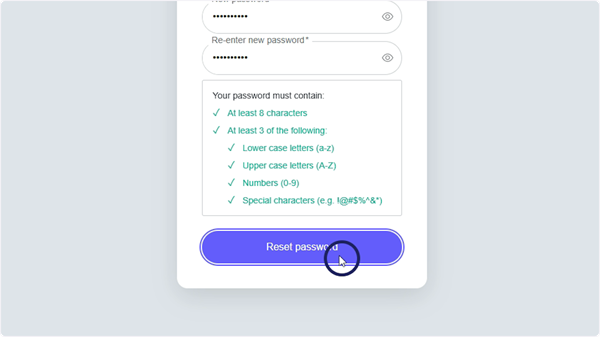
Password Policy is as follows:
- No more than 2 identical characters in a row.
- Special characters (!@#$%^&*).
- Lower case (a-z), upper case (A-Z) and numbers (0-9).
- Must have 8 characters in length.
- Non-empty password required.
- Last 5 passwords can't be used.
Password Reset Procedure is as follows:
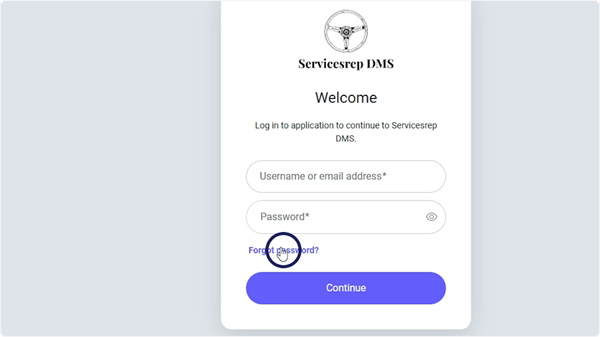
1. Click on Forgot password
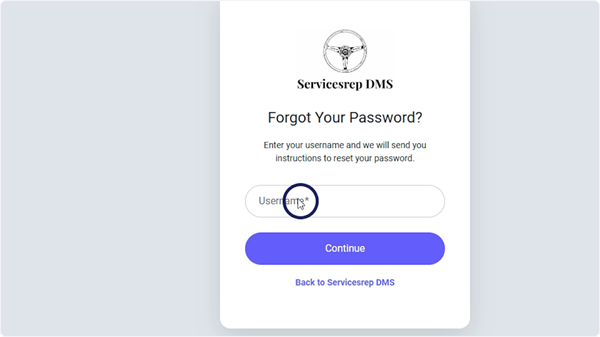
2. Enter Username (your email)
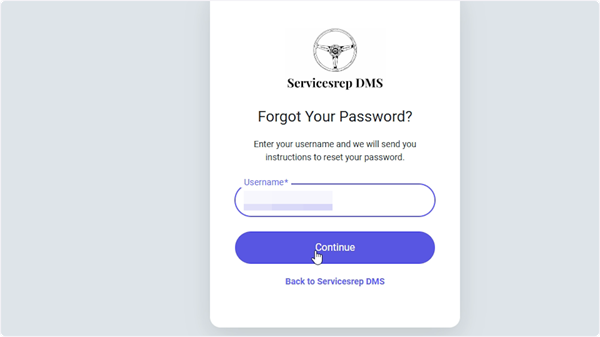
3. Click Continue
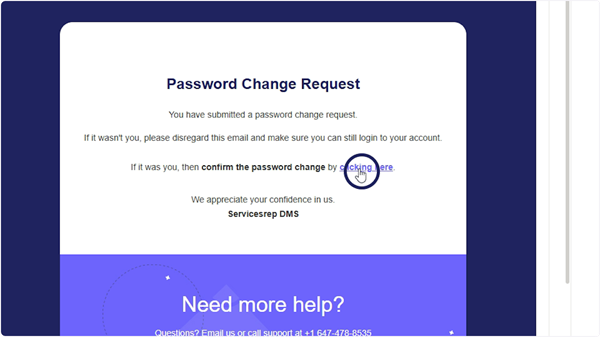
4. Check email and click on the link in the email
5. Enter and re-enter new password following password requirements
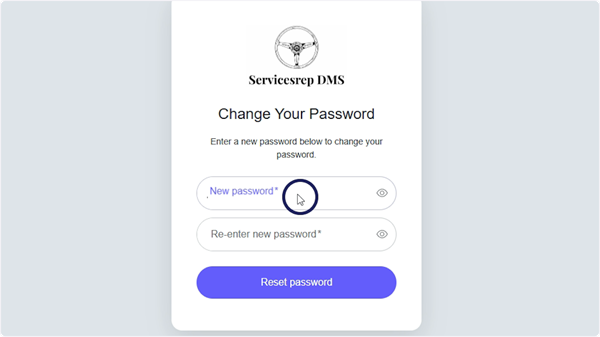
6. Click Reset password
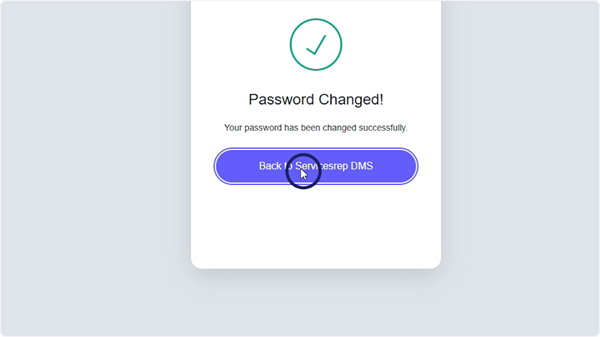
7. Password changed successfully
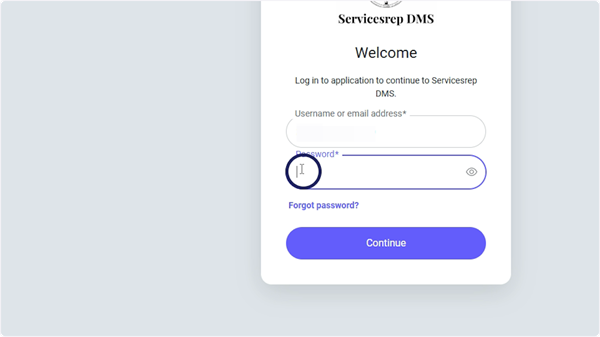
8. Log back to the application with Username and new Password
Contact Our Team
If you still can't find an answer to what you're looking for, or you have a specific question, open a new ticket and we'd be happy to help!
Contact Us