Creating an Employee
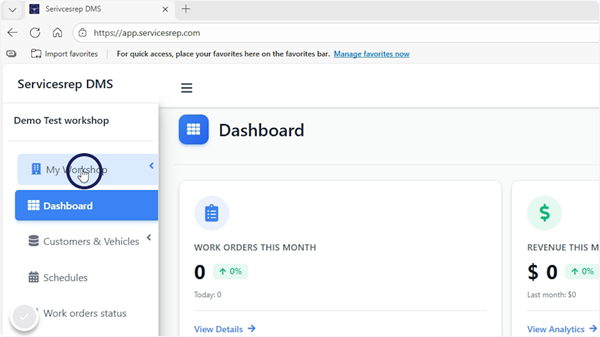
1. From Dashboard click on My Workshop
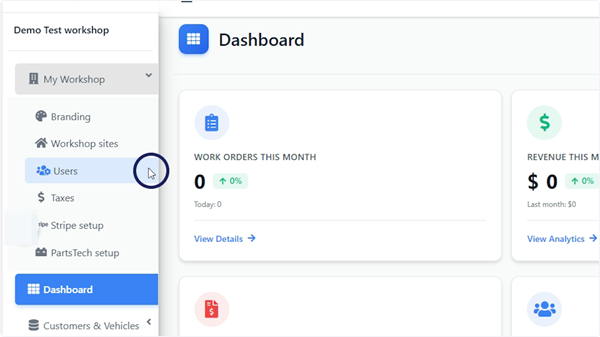
2. Click on User
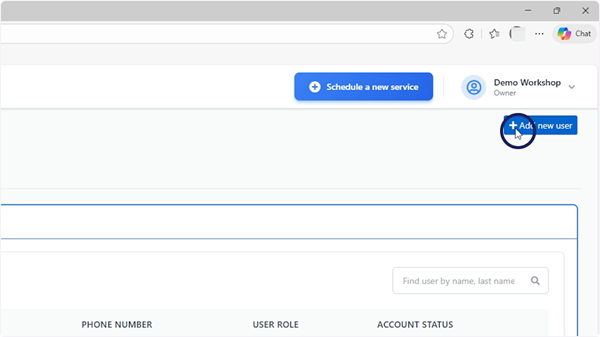
3. In top right corner click on Add new user
4. Enter user information
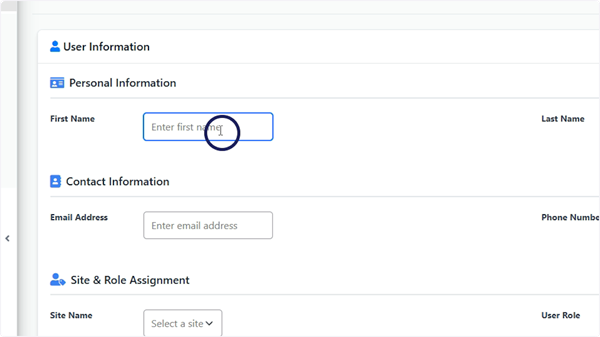
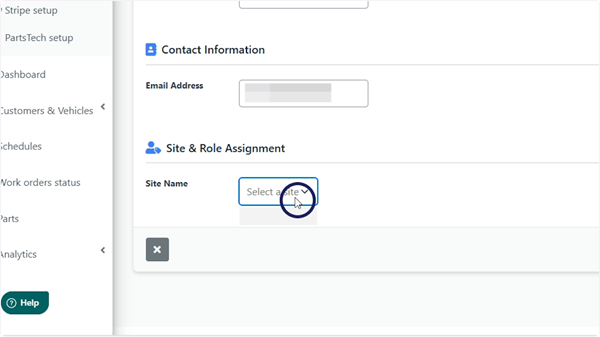
5. Enter Site where employee is located
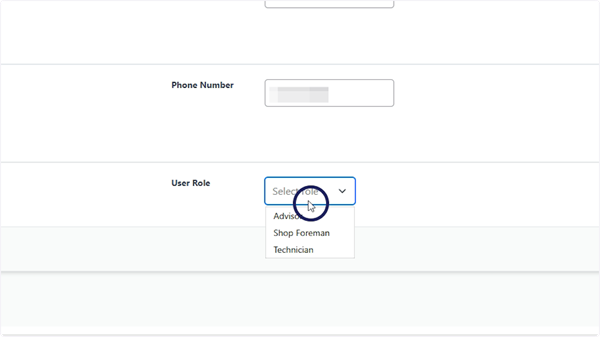
6. Enter appropriate role
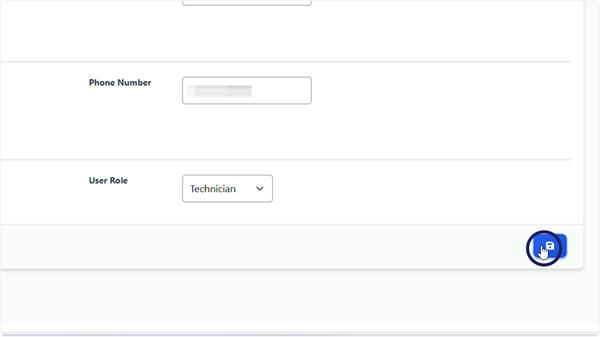
7. Click on save icon
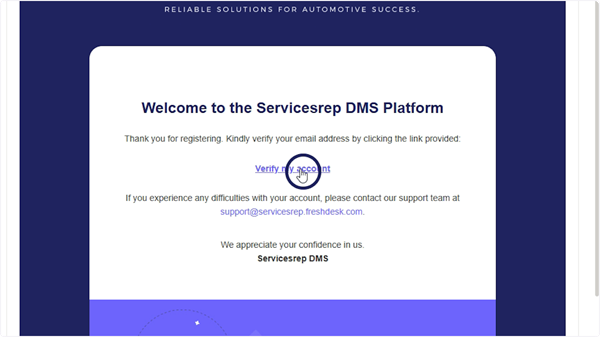
8. Employee will receive email to verify account where they will click on link
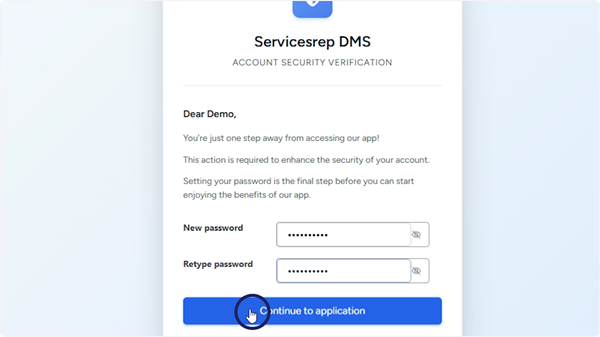
9. Employee will be able to create their password
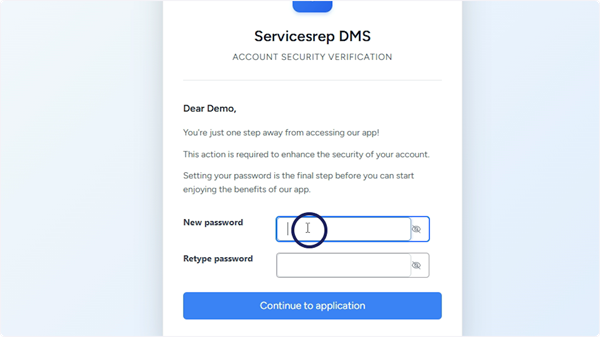
10. Once password is created click on Continue to application
Contact Our Team
If you still can't find an answer to what you're looking for, or you have a specific question, open a new ticket and we'd be happy to help!
Contact Us