PartsTech Integration Steps
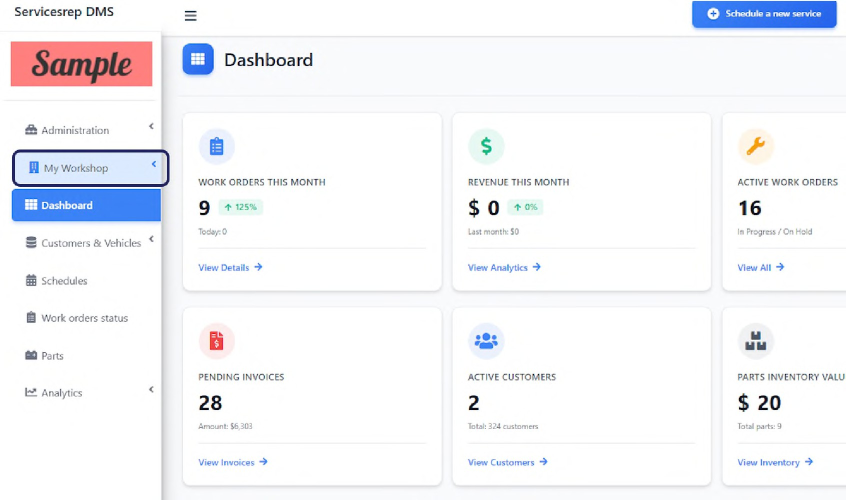
STEP 1
Click on My Workshop
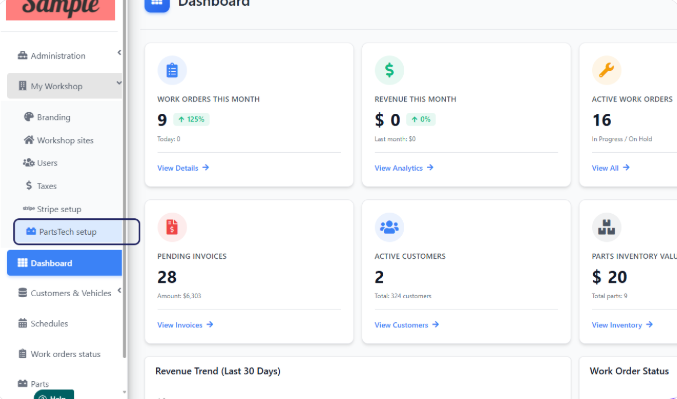
STEP 2
Click on PartsTech setup
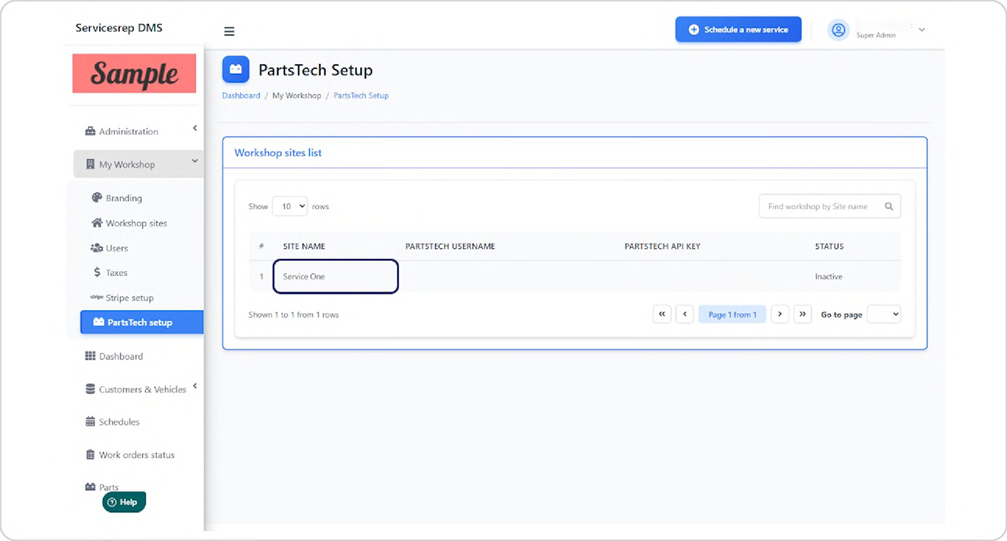
STEP 3
Click on Site Location where you would like to enable PartsTech
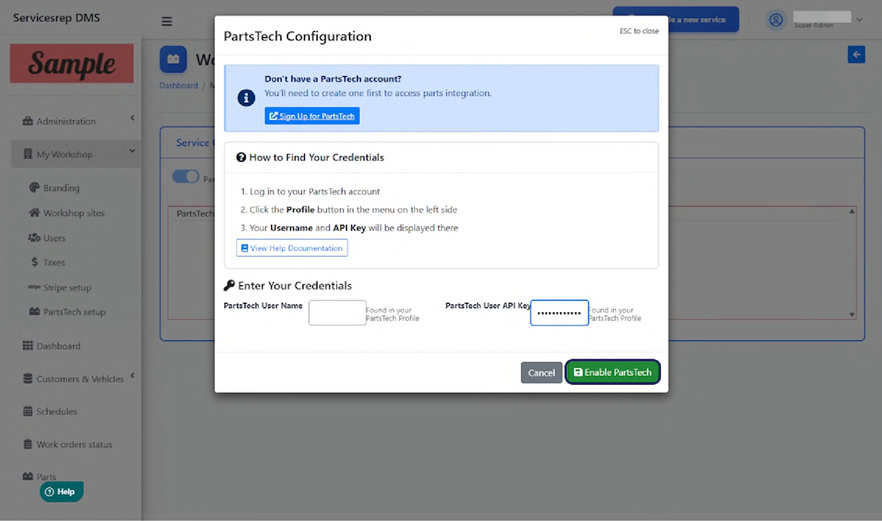
STEP 4
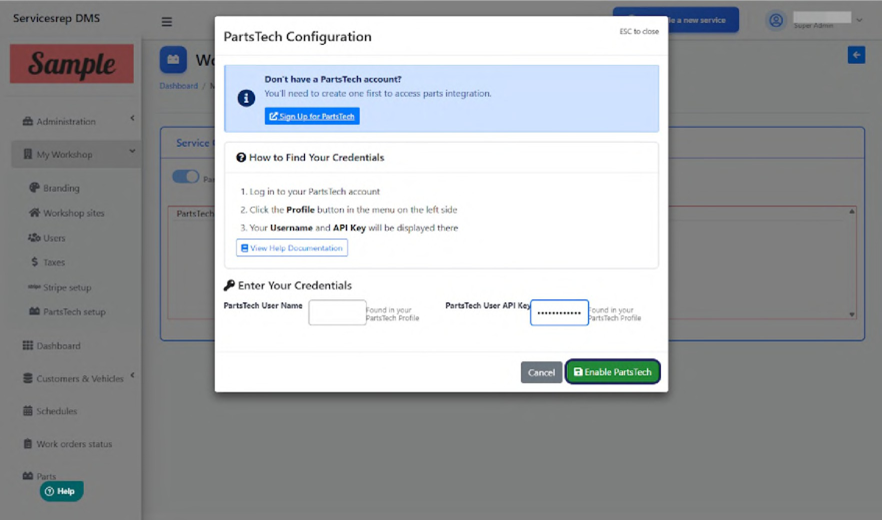
If you don't have PartsTech account, follow the link on signing up. When ready please enter your details from PartsTech platform.
STEP 5
Click on Enable PartsTech
STEP 6
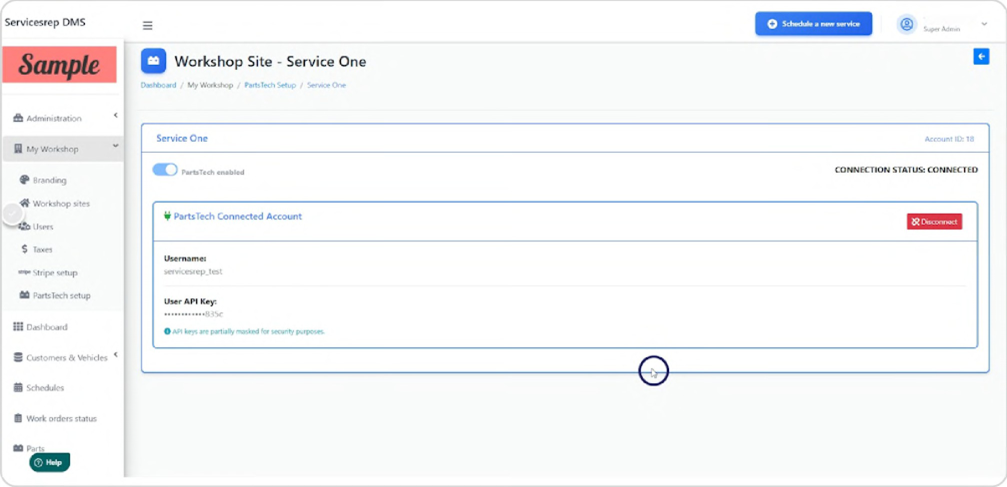
Account has been connected successfully to the platform.
Contact Our Team
If you still can't find an answer to what you're looking for, or you have a specific question, open a new ticket and we'd be happy to help!
Contact Us